
Thanks -- that was really fast!
J
jimholthaus
@jimholthaus
Posts
-
Saillogger reporting issue with ais name in logs -
Saillogger reporting issue with ais name in logsSaillogger was logging errors on ship names, probably because someone has a misconfigured AIS. When the error was encountered, it would not send any AIS data. Here is the log snippet:
Sep 13 21:36:27 2026-09-13T21:36:27.751Z signalk-saillogger Updating AIS vessel 367302540 details
Sep 13 21:36:27 Uncaught exception: TypeError: Cannot read properties of undefined (reading 'name') at refreshAisData (/home/node/.signalk/node_modules/signalk-saillogger/index.js:448:55) at sendAisTargets (/home/node/.signalk/node_modules/signalk-saillogger/index.js:676:5) at Timeout._onTimeout (/home/node/.signalk/node_modules/signalk-saillogger/index.js:199:7) at listOnTimeout (node:internal/timers:685:17) at processTimers (node:internal/timers:618:7)
Sep 13 21:36:27 TypeError: Cannot read properties of undefined (reading 'name') at refreshAisData (/home/node/.signalk/node_modules/signalk-saillogger/index.js:448:55) at sendAisTargets (/home/node/.signalk/node_modules/signalk-saillogger/index.js:676:5) at Timeout._onTimeout (/home/node/.signalk/node_modules/signalk-saillogger/index.js:199:7) at listOnTimeout (node:internal/timers:685:17) at processTimers (node:internal/timers:618:7)
I fixed the issue (I think) with this code snippet:
cd ~/.signalk/node_modules/signalk-saillogger
cp index.js index.js.bak
sed -i "s/aisShipType?\.value\.name/aisShipType?.value?.name/; s/aisShipType?\.value\.id/aisShipType?.value?.id/" index.js
grep -n "aisShipType" index.js
'
It would be nice if this were merged into the source so my fix persists, or tell me I've done something terrible?
-
403r Access Blocked error from Open Street MapI have been getting the error in some of the email summaries of my trips, too.
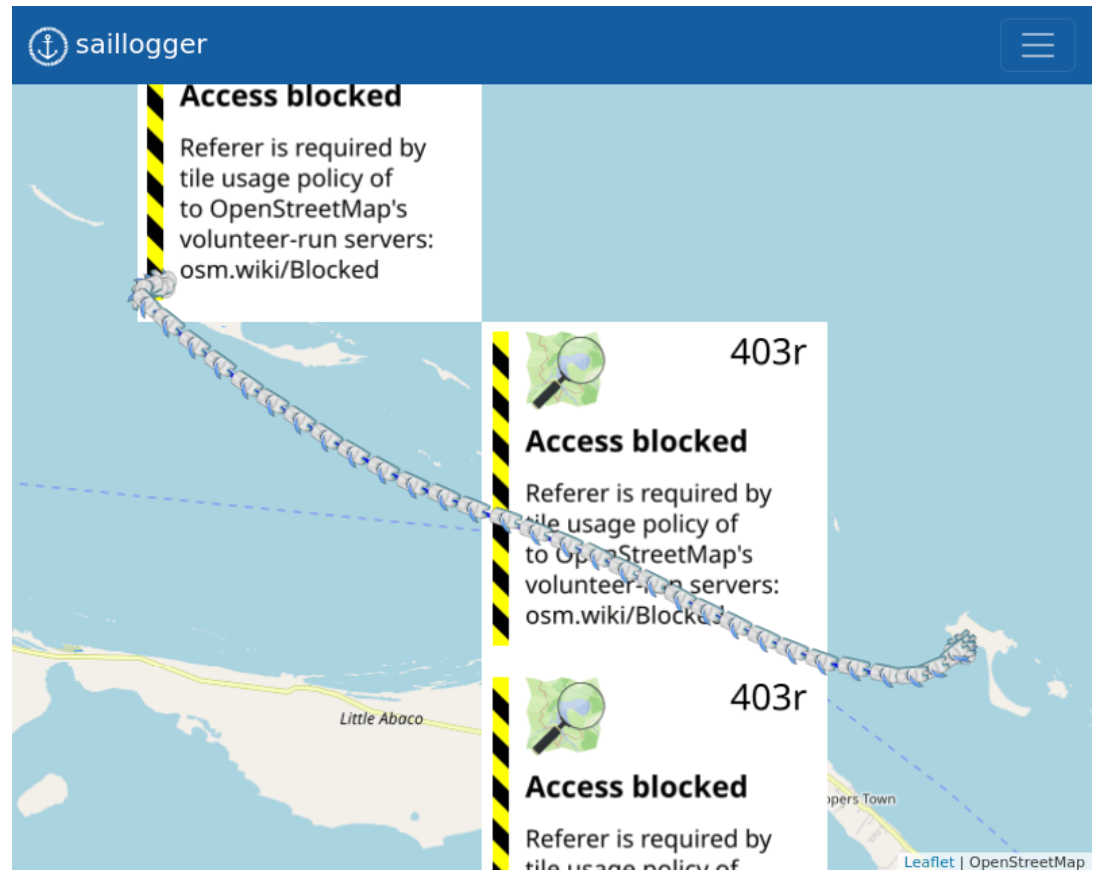
@admin : Do you want me to somehow forward these messages to you or get some information from them?
-
403r Access Blocked error from Open Street MapI think this could be being caused by my browser, Brave. When I have the Brave shields "UP" I get the error, but when I put them "DOWN", I don't seem to get the error.
-
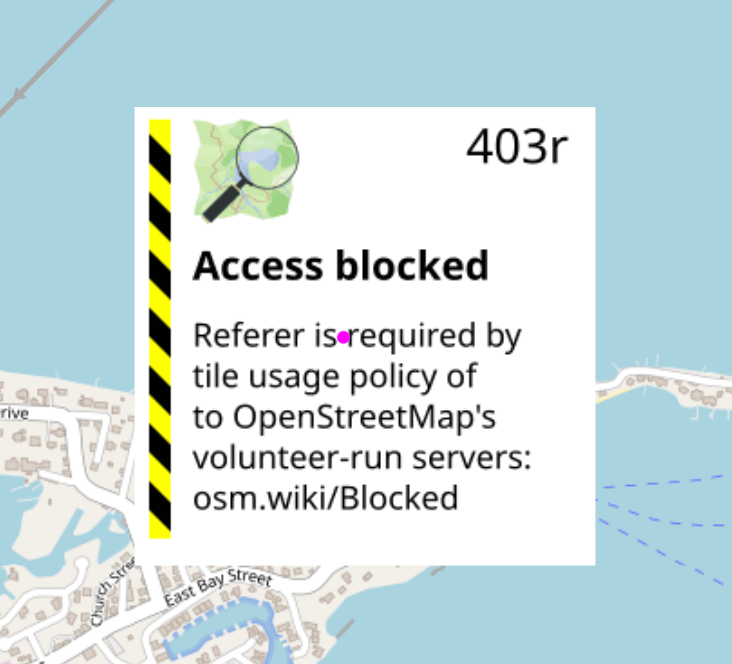
403r Access Blocked error from Open Street MapI am sometimes seeing this error on the main screen when I get into saillogger.
-
Engine Data not logging correctlyI have been watching the new engine logging data and there seems to be an inconsistency of the logged engine data. Here is an example from today.
I captured the reported hours on port and starboard engines as we started and ended our journey and confirmed the same data was on the signalK side and the engine side for both.
Start Port: 2238.1 Starboard: 2233.8
Stop Port: 2241.5 Starboard: 2237.2However, the log for our journey does not reflect this data.
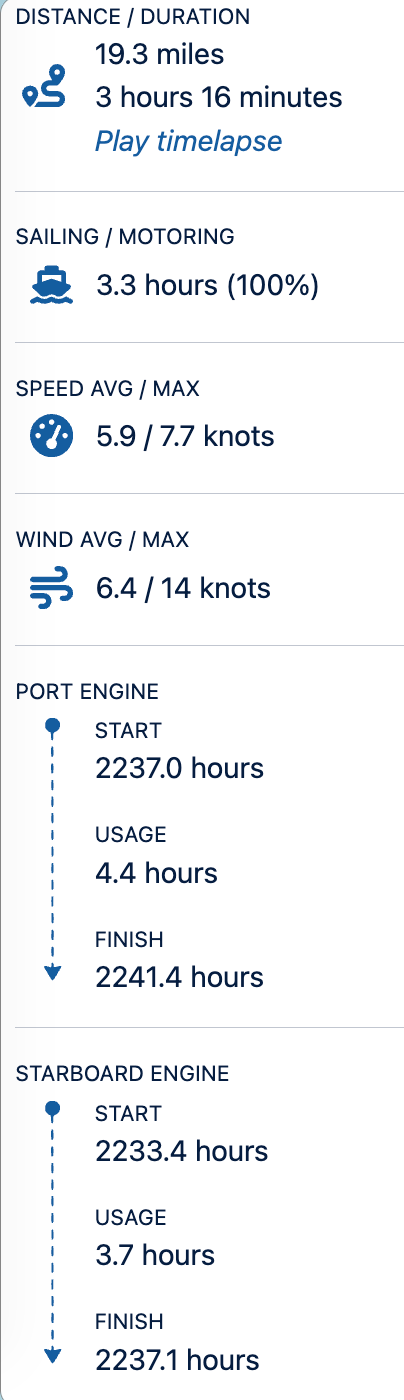
Both engines were running the entire journey. Note that the start hours on both are before I started the engines for the trip, while the end hours are very close -- probably because the boat stopped moving before I shut down the engines.
Is there something I can do to fix this on my end?
-
Engine data in logs?Very interested in this! I have the yacht devices N2K gateway as well, and would like to be able to log how much of a journey was motor vs sail, and starting and ending engine hours.
-
Moorage NameHow are moorage names determined? and is there a way to create a new moorage name?
-
Logs all seem to start about 30 minutes before we are underwayIf the USB GPS is always (or almost always) available, I'd try making it the highest priority.
-
Moorage granularity in a harbor with many marinas and an anchoragePerfect. Thanks!
-
Moorage granularity in a harbor with many marinas and an anchorageIn Marsh Harbour in the Abacos, there are multiple marinas, moorings and an anchorage in the harbor. Sometimes we anchor; sometimes we take a marina. The application seems to consider all of the harbor as one moorage. Is there a way to adjust individual logs to indicate that we anchored, docked, or moored?